The MX Master 4 adds haptics and is built to last
Logitech's latest mouse ditches the melting rubber and adds a novel haptic feedback feature.

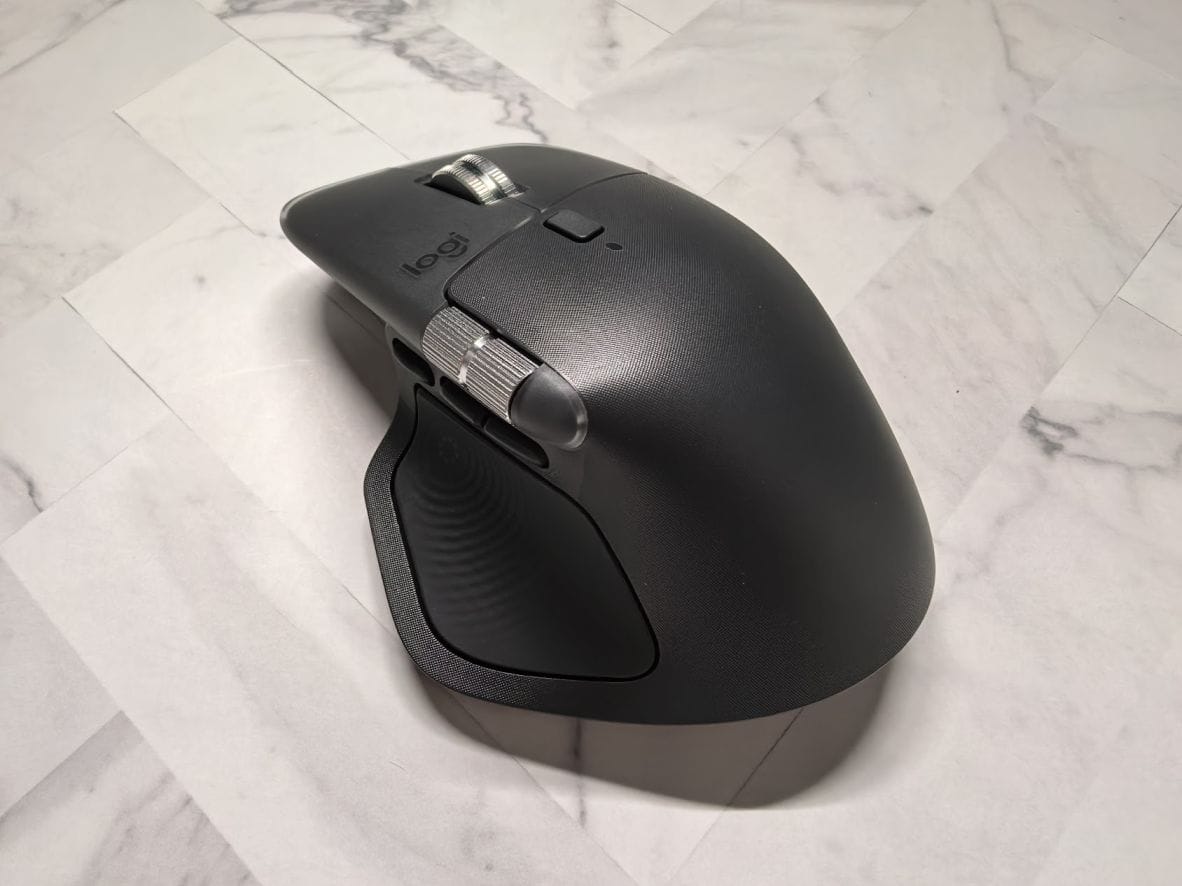
The Logitech MX Master 4 wireless mouse manages to be better yet again, adds a highly likable haptic feedback feature.
After using Logitech's latest and greatest mouse for a couple of weeks, here are my thoughts about it.
MX Master series: Why I like it
There is much to like about the Logitech MX Master series of computer mice. It has a unique MagSpeed scroll wheel that switches automatically between click-by-click precision scrolling or fast free-spin scrolling. You can toggle between three paired devices. It works with Bluetooth or the Bolt RF dongle. And the high-resolution sensor works even on glass.
The MX Master 4 retains all of these capabilities and, almost impossibly, refines an already excellent product even further.
Simply better
What did Logitech improve in the MX Master 4?
The rubberised coating applied across the previous MX Master products is gone. This is great, because the rubber does "melt" in Singapore's hot and humid weather.
A silicone rubber material is used for the side grip, as well as for the new Haptic Sense Panel. The shell is covered with a cross-hatched pattern that feels good.
The team also silenced the MX Master 4. You still feel buttons go "click", just that it is practically inaudible now, unlike the rather loud clicks of the MX Master 3.
Other changes include a USB-C Bolt receiver in the box, larger mouse feet for smoother movements, and what Logitech says is better wireless connectivity.
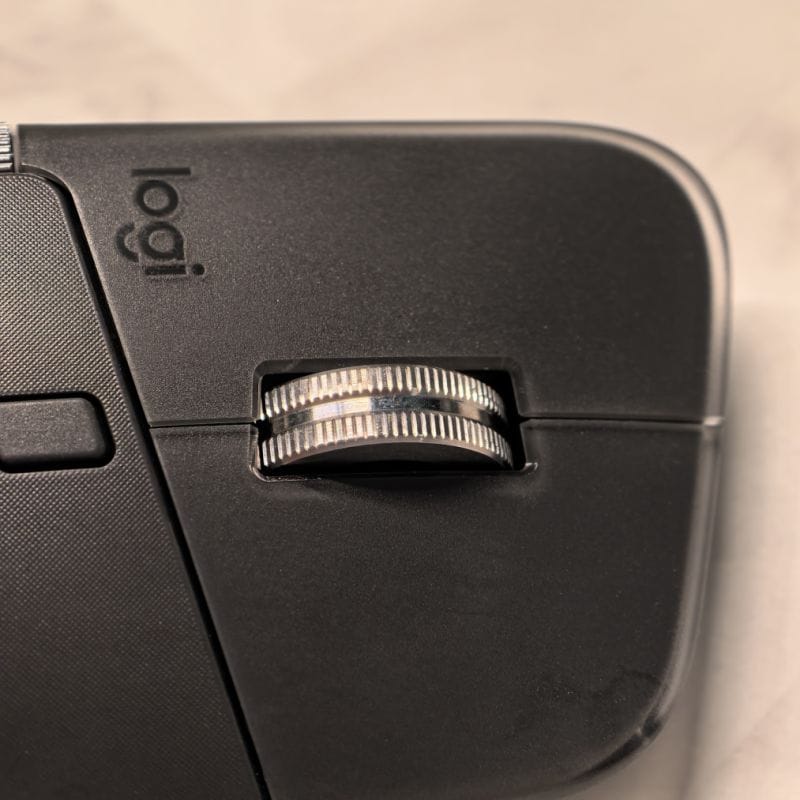
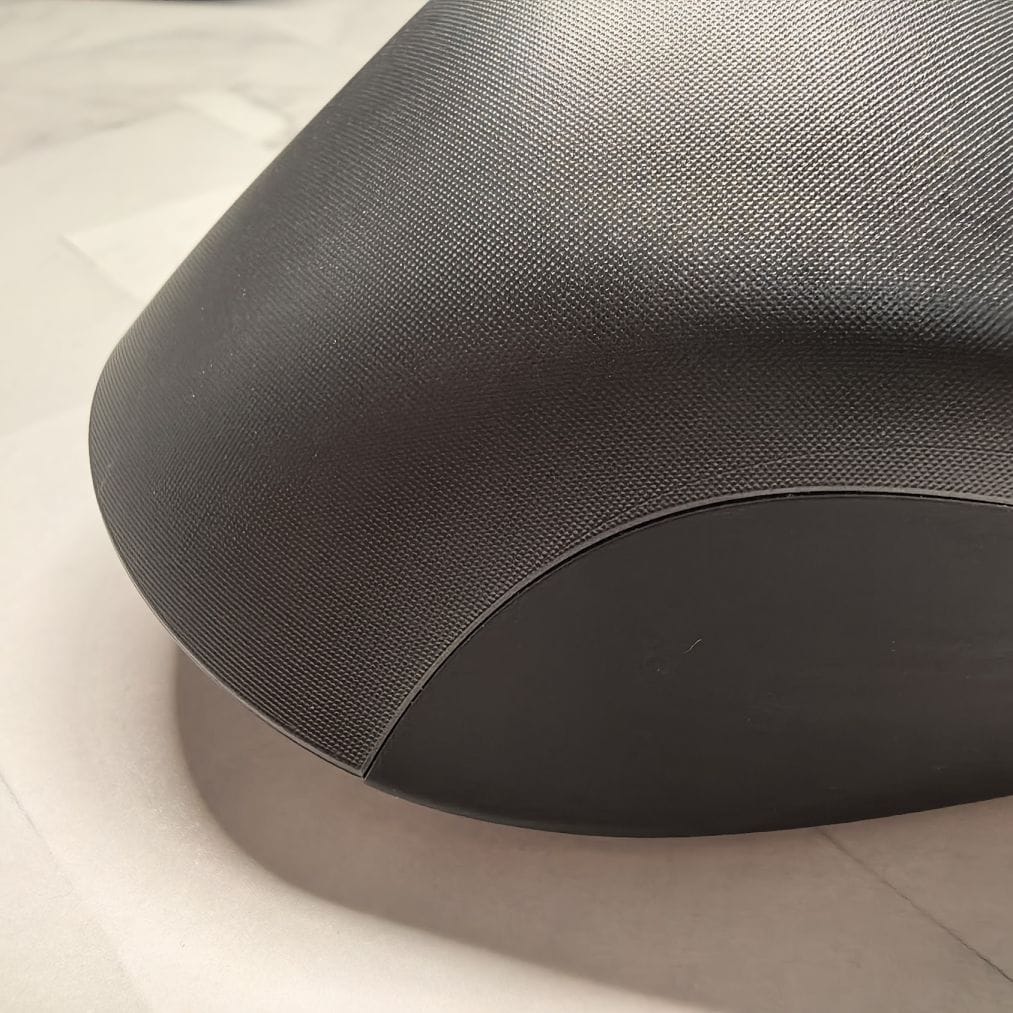
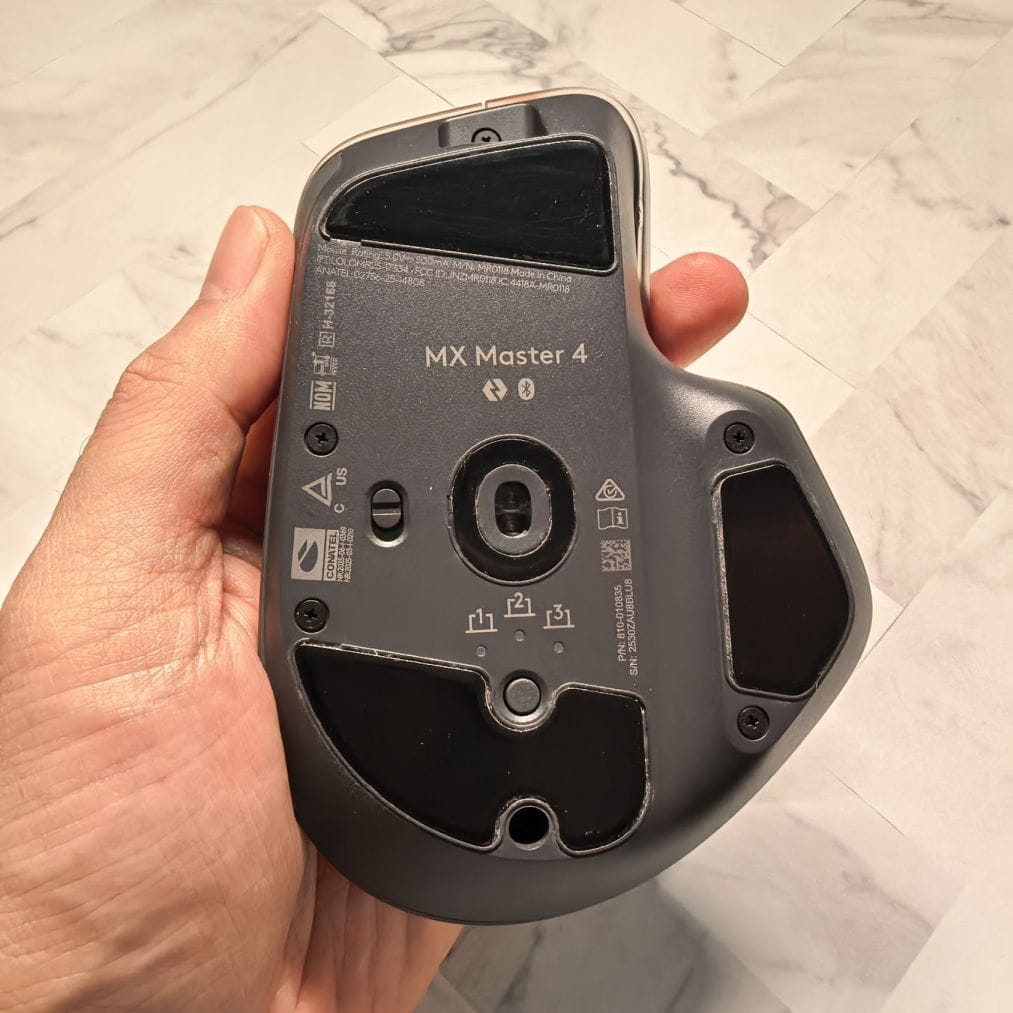
Photo Caption: (Left) Frosted-clear plastic layer gives it premium look. (Middle) Note the pattern.
Haptic feedback
With the MX Master 4, Logitech introduced a new Haptic Sense Panel button under the thumb, which houses a vibration motor for haptic feedback.
Depressing the panel opens up an "Action Ring" on screen, with various configurable shortcuts. Clicking on it and moving the pointer over shortcut options triggers the haptic motor.
You can vary the strength of the haptic feedback or trigger it when certain mouse buttons are pressed by creating an appropriate "Smart Actions" macro.
I loved the new haptic feature, which I felt is a novel idea like the MagSpeed scroll wheel. However, it's early days yet and haptic feedback is limited to mouse buttons.
Conclusion
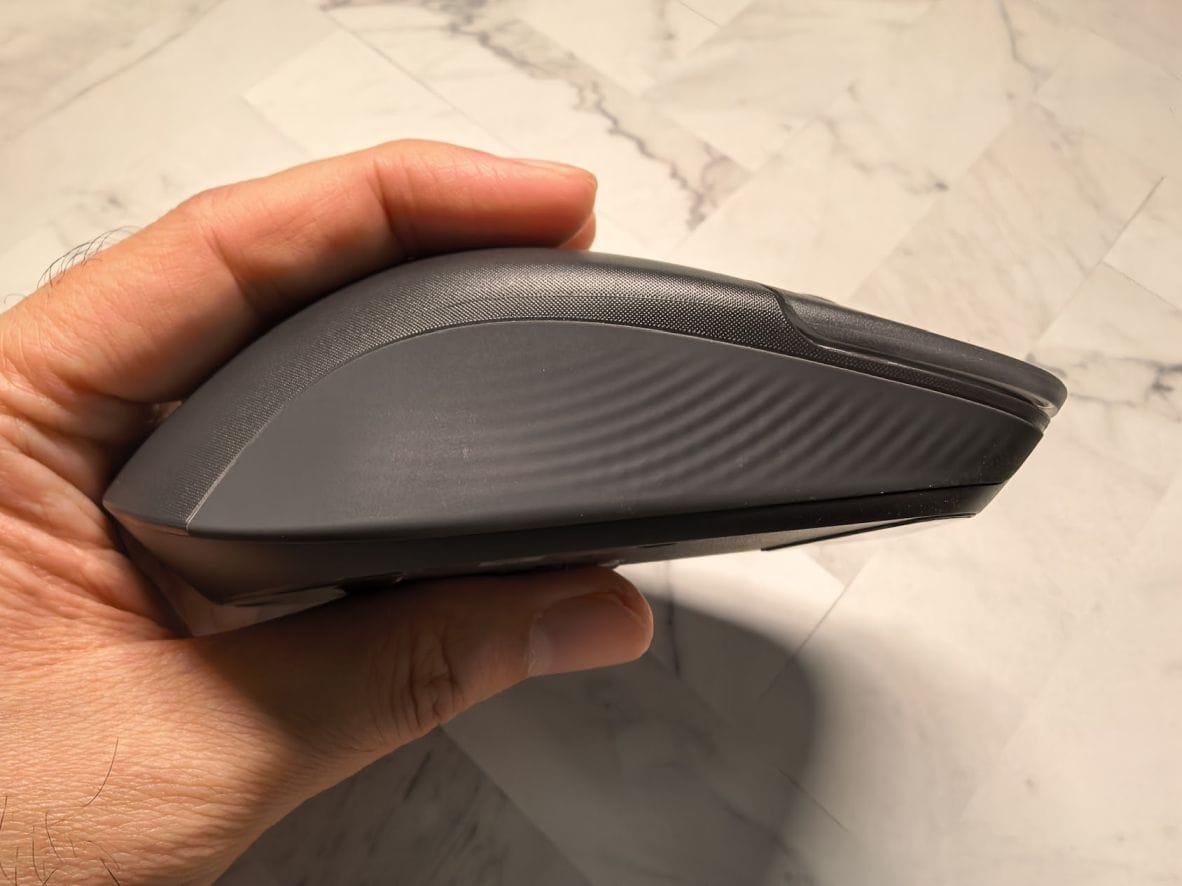
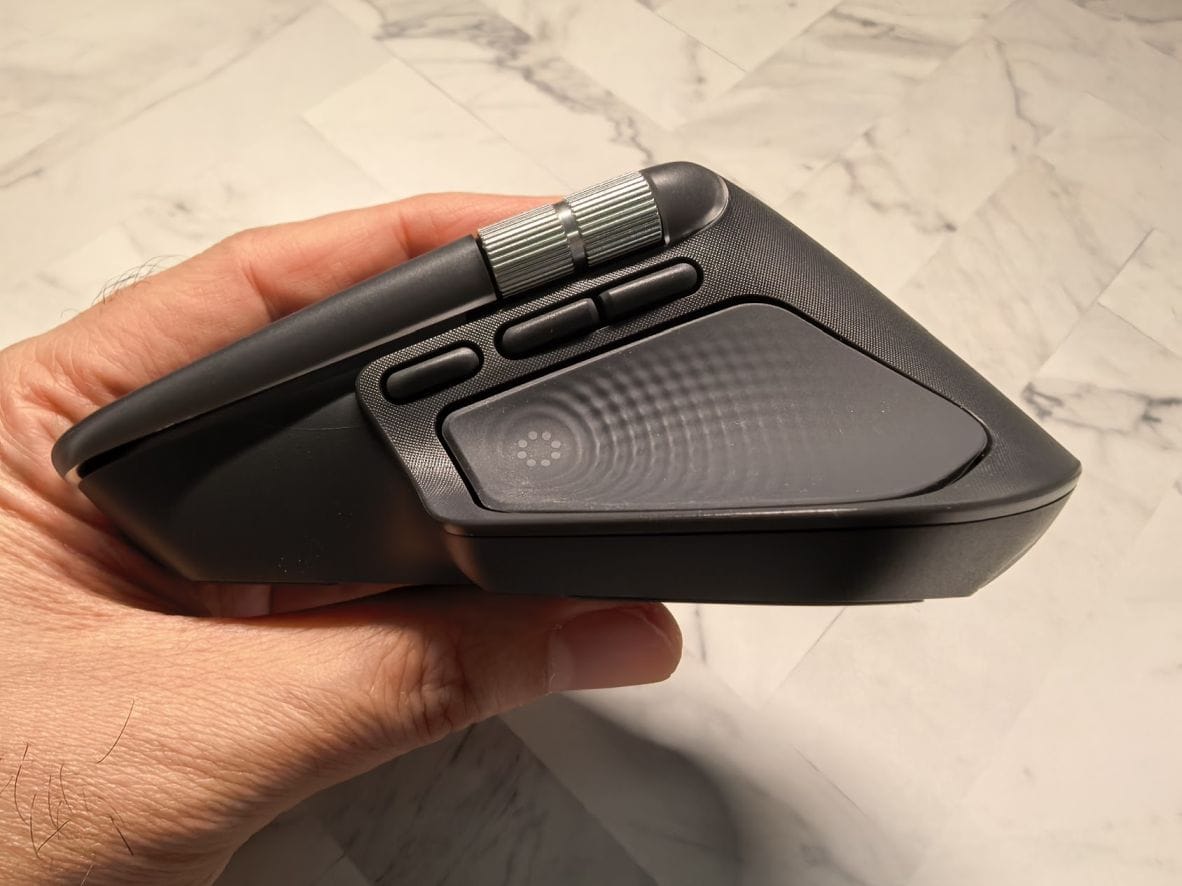
The MX Master 4 is clearly built with longevity in mind. From the removal of the rubberised coating, textured grip, and silicone coating, it should last the test of time.
Moreover, the new haptics feature is something I've not seen in another mouse yet. While the feature is still fairly limited at the moment, I am confident Logitech will improve it over time.