The Asus Ascent GX10 lets you run AI models from your desk
First impressions of the Asus Ascent GX10, and why I went from sceptic to convert.

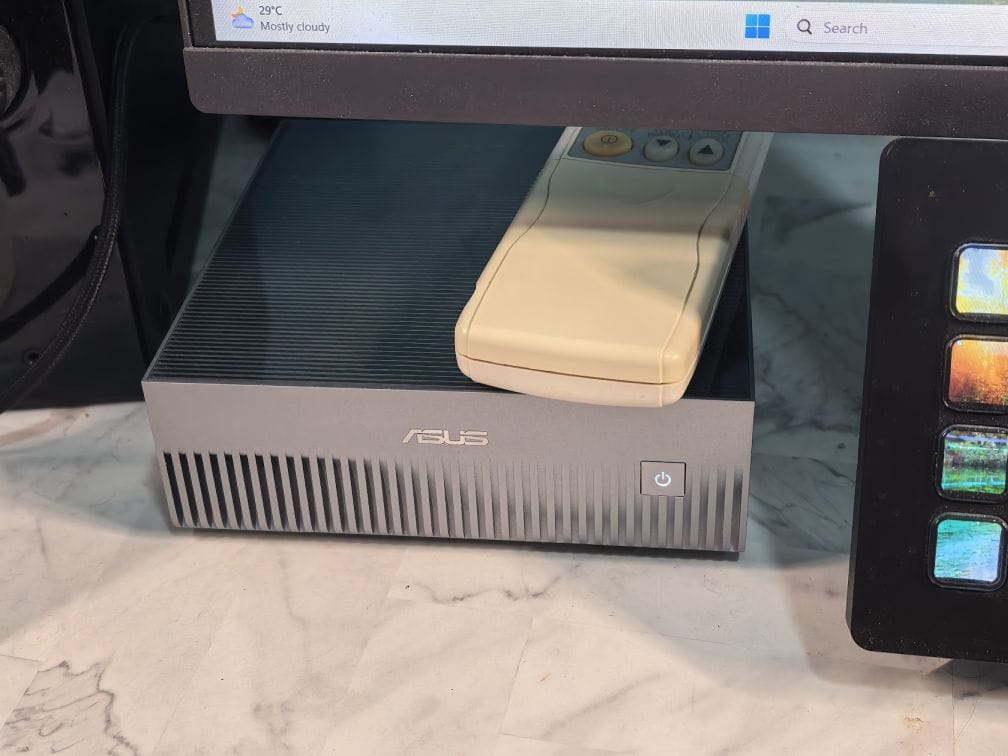
I tried the Asus Ascent GX10 and was blown away by the ability to run frontier AI models right from a small box on my desk.
From sceptic to convert
I'll be honest. I was sceptical when Nvidia announced its DGX Spark platform at the start of 2025. Why would anyone pay for it? I've since changed my mind.
The idea with the DGX Spark is to put Nvidia's GB10 Grace Blackwell Superchip into a compact chassis capable of delivering 1 petaFLOP (FP4) of AI processing. That includes a 20-core ARM processor, 6,144 CUDA cores, and 128GB of unified RAM that can run AI models of up to 200B parameters.
The GX10 is Asus's implementation of this new platform, leveraging its know-how in ultra-compact PC design. Here's my initial experience with it.
Out of the box
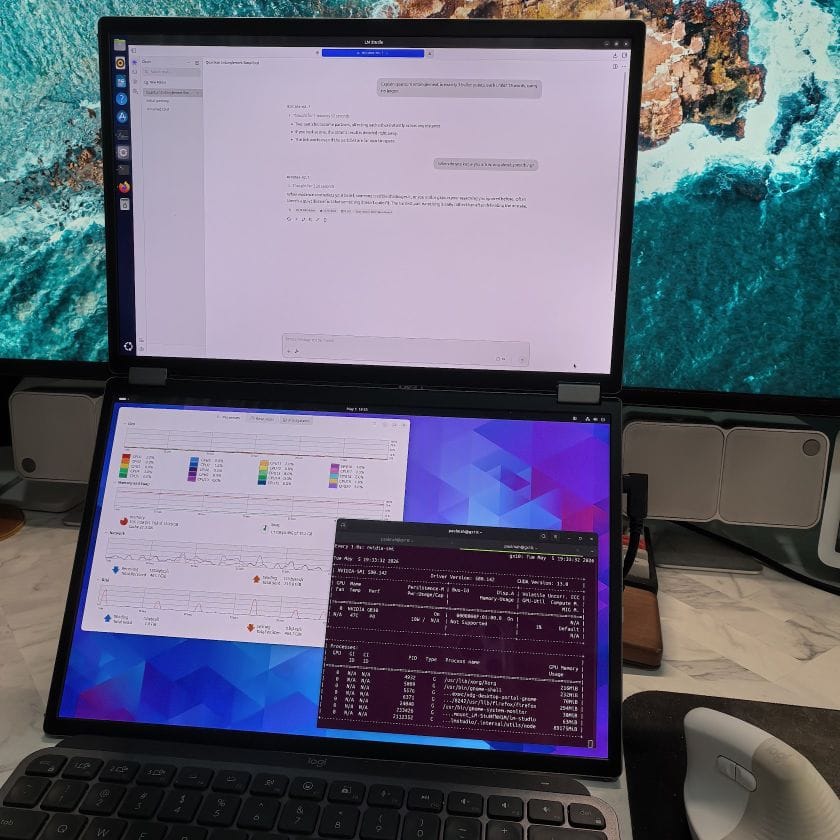
To set up the Asus GX10, I first had to connect a keyboard, mouse, and monitor. Setup consists of agreeing to licensing terms, downloading an initial update, and creating a local admin account. Not an issue, though I had to dig various peripherals out of storage. In the end, I conscripted my Asus travel monitor and a wireless keyboard and mouse (I can't seem to find wired ones).
After performing a second update, I lost access to the Ethernet port. Turns out it's a known issue, something to do with the MAC address not being propagated on reboots. I shut it down fully, powered it up, and everything worked again.
Despite the initial hiccups, getting to Nvidia's customised version of Ubuntu 24.04 LTS was smooth. Just don't expect to get going immediately: some of the downloads and updates take a while.
Beyond a fancy Linux box
What stood out to me wasn't just the hardware, but the platform around it. Despite being a first-gen product, the GX10 user experience felt remarkably mature, complete with the official Nvidia Sync utility for secure remote access.
Nvidia has also created multiple "Playbooks" that concisely outline the steps to do things like setting up NemoClaw, fine-tuning an AI model, or using vLLM for inference. You still need to do some learning and reading up. But step-by-step instructions that are up-to-date and complete with the full shell commands are all there.
So what are some ways to use the GX10, other than as a very expensive Linux desktop? You can run AI models locally, fine-tune models of up to 70B, expose LLMs as an OpenAI-compatible API, use it with VS Code, Cursor, and JupyterLab, or host OpenClaw or variants.
I'll write more about each of these in subsequent posts. For now, after downloading a dozen models to tinker with, let's just say I've finally found a worthwhile use for my 10Gbps internet.